How Long Does Security Camera Installation Take? A Stockton Homeowner's Guide
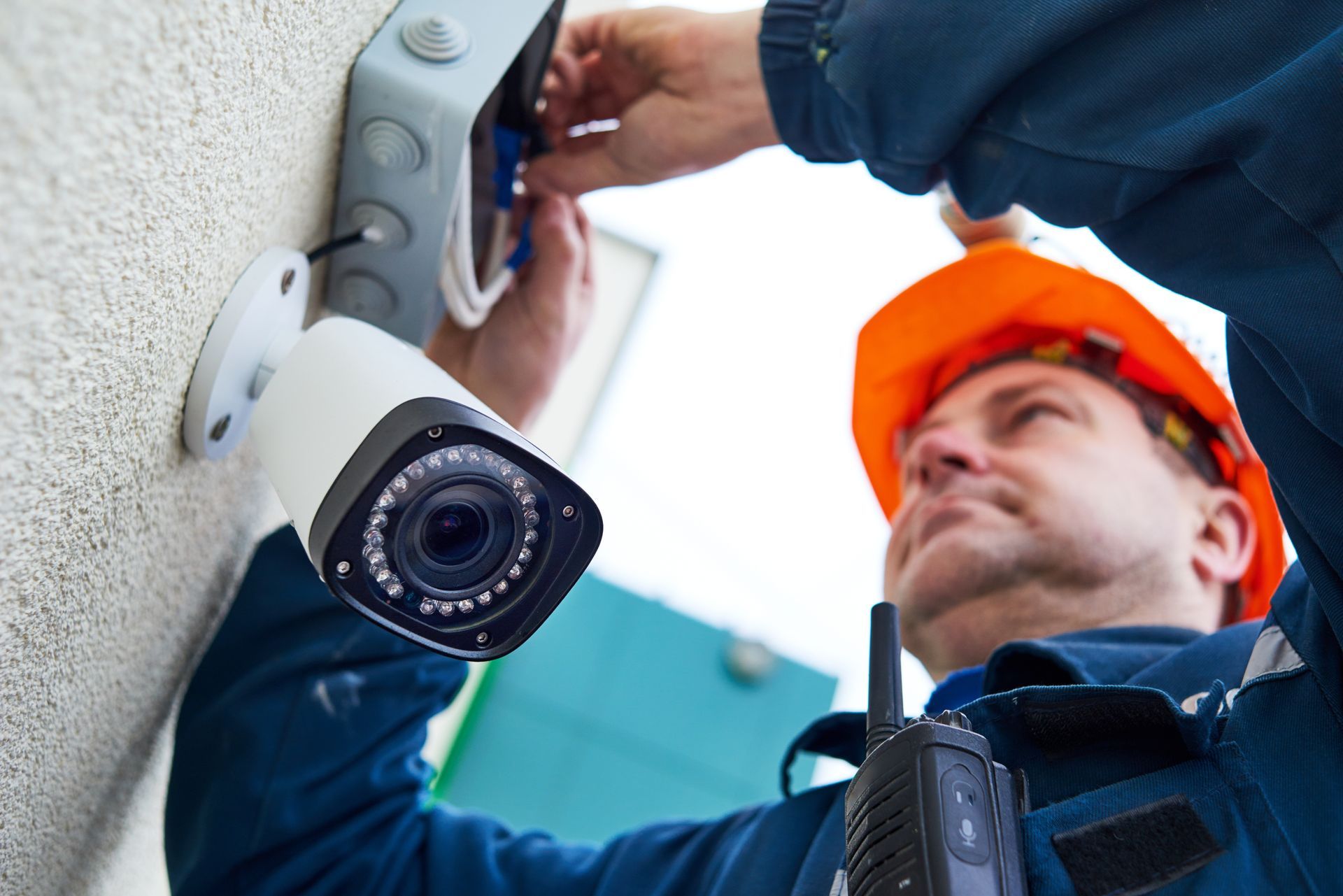
Planning a security camera installation in Stockton, CA, starts with one of the most common questions homeowners ask: how long will the job actually take? This guide covers typical timelines, what can speed things up or slow them down, and what to expect when a technician arrives.
What Affects How Long a Camera Installation Takes?
Installation time depends on variables unique to your property.
The number of cameras, construction type, and whether you are using wired or wireless systems all play a role:
- Wired systems take longer than wireless because technicians must run cables through walls, attics, and crawl spaces.
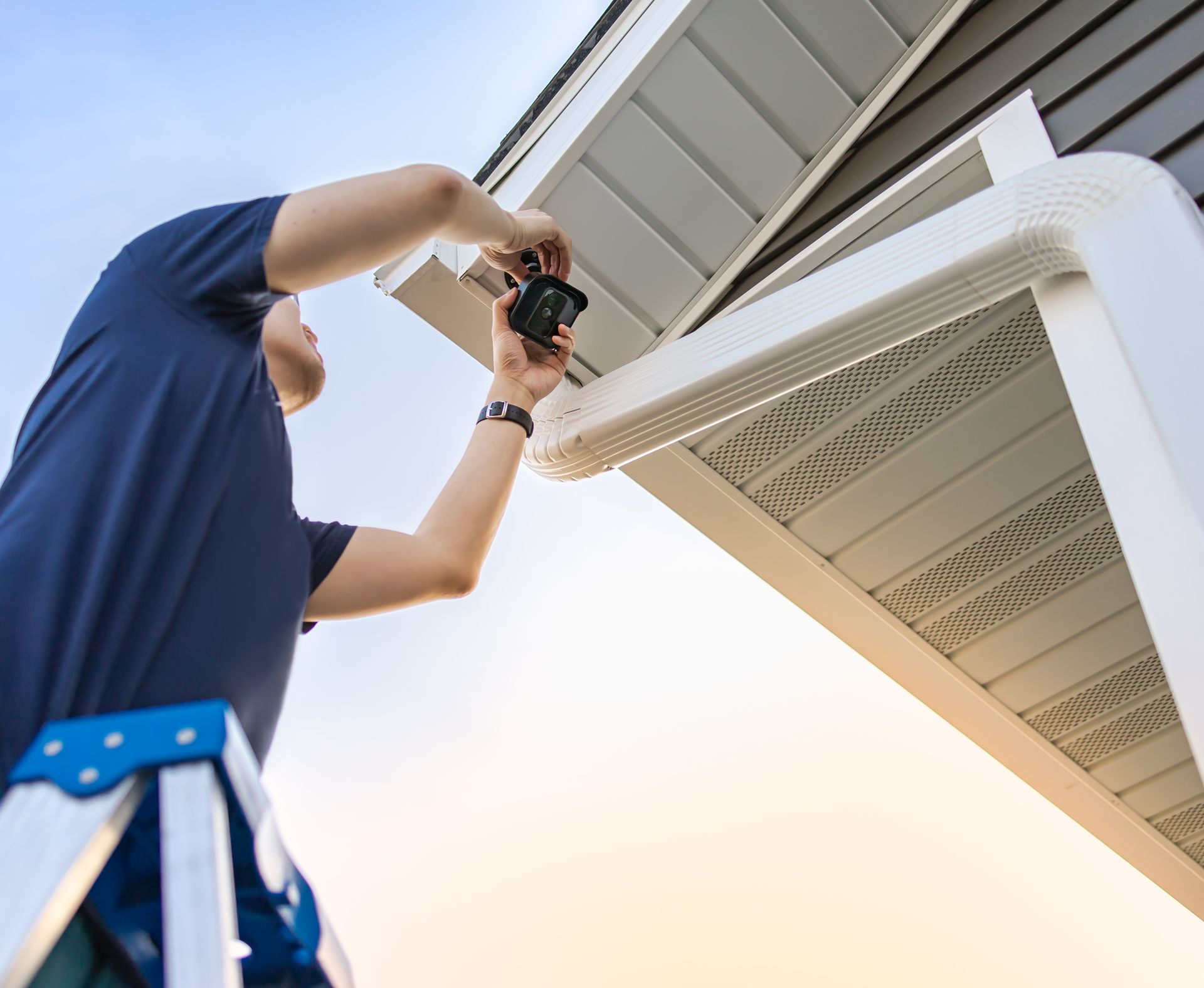
- A two- or four-camera setup for a home in Weston Ranch or Brookside may take a few hours, while a larger system covering all exterior entry points can take most of a day.
- Homes with accessible attic space have cables run more quickly than those with stucco walls or concrete slabs.
- The location of your DVR or NVR recorder relative to your router can add or reduce setup time.
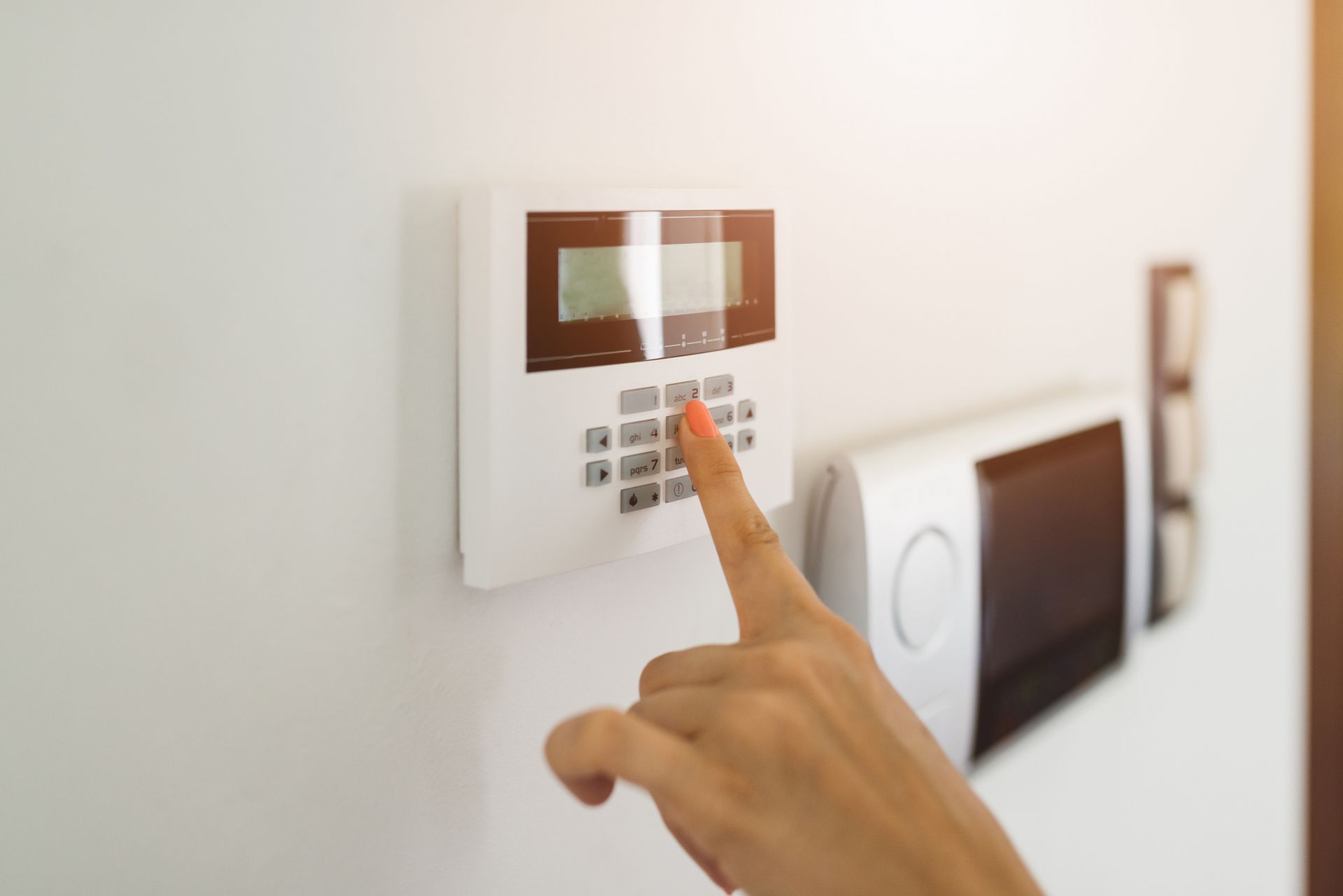
- Integration with an existing alarm system adds steps but may not dramatically extend the overall job.
How Long Does a Typical Residential Installation Take in Stockton?
Most standard residential installs can be completed in a single visit. A two- to four-camera system on a single-story home generally takes two to four hours. Larger homes, second stories, or multi-building setups can push that to a full day or more.
Stockton neighborhoods vary in construction. Older homes near Lincoln Village or Downtown Stockton may have tighter wall cavities requiring more care. Newer builds in Spanos Park or Quail Lakes often feature easier attic access, reducing cable-run time.
Upfront planning means fewer surprises on installation day.
Commercial and Agricultural Properties Require More Time
Larger commercial jobs take longer by nature. Stockton's economy includes warehouses, distribution facilities, and agricultural operations across San Joaquin County. These properties require cameras at loading docks, perimeter fencing, equipment yards, and entry gates, which makes security camera installation a larger-scope project.
A mid-sized commercial building may take a full day or two. Large agricultural or industrial sites may need multiple visits. For properties along the Stockton port corridor or out toward French Camp and Manteca, outdoor-rated cameras and extended cable runs add time. A thorough site walkthrough before installation day keeps the work efficient.
What Should You Do to Prepare Before the Installer Arrives?
Good preparation can meaningfully shorten install time. Clear access to attic hatches, utility closets, and wherever your recorder will be placed. Know in advance which areas you want covered so the technician can plan camera angles without guesswork.
Confirm your router location and internet speed ahead of time if you want remote smartphone viewing. Homeowners who research security camera installation before their appointment consistently report smoother experiences. You can review your options on the Residential Camera Systems page.
What Happens After the Cameras Are Installed?
After mounting and cable work, the technician will configure your DVR or NVR, set up remote access, and test every camera for angle, focus, and recording quality. Expect a full system walkthrough before they leave.
Post-install setup typically adds an hour to the overall timeline. If your system connects to a monitored alarm, additional time may be needed for central station integration. A job estimated at three hours might realistically run four to five by the time everything is tested, and you are trained on the system.
How Far in Advance Should You Schedule Your Installation?
Scheduling lead times vary by season. Calling early in the week and avoiding peak summer months gives you more appointment flexibility. For commercial projects with multiple cameras, request a site assessment before your installation date. Planning security camera installation well ahead of your target date helps you secure preferred scheduling windows and avoid weather-related delays.
For a timeline estimate tailored to your property, contact the team to request a consultation and quote.
Get Your Security Camera Installation Scheduled Today
Whether you own a home in Weston Ranch, a rental near the University of the Pacific area, or a commercial facility near the Stockton port, your project scope determines how long the job takes. Preparation, property type, camera count, and system complexity are the four things that matter most when planning security camera installation.
Alamo Alarm Company Inc. serves homeowners and businesses throughout the area with custom-designed systems, professional installation, and local 24/7 monitoring. To get a timeline estimate and schedule your installation, call us or visit Alamo Alarm Company Inc. to read reviews from customers across the Central Valley.